Brain Puzzle: Tricky Quest Level 96
Find the Brain Puzzle: Tricky Quest Level 96 answer with a complete video walkthrough and step-by-step image guide. Learn how to solve Level 96 quickly.

Match the Correct Scene Version
Brain Puzzle scenes can move or change after an update. Compare the characters and objects below, choose the version that matches your screen, and follow that walkthrough. If none look right, visit All Levels to browse by thumbnail first.
Puzzle Snapshot
Reduce the character's drowsiness by interacting with the environment to wake him up, including adjusting the air conditioner, removing the cat, and using the alarm clock.
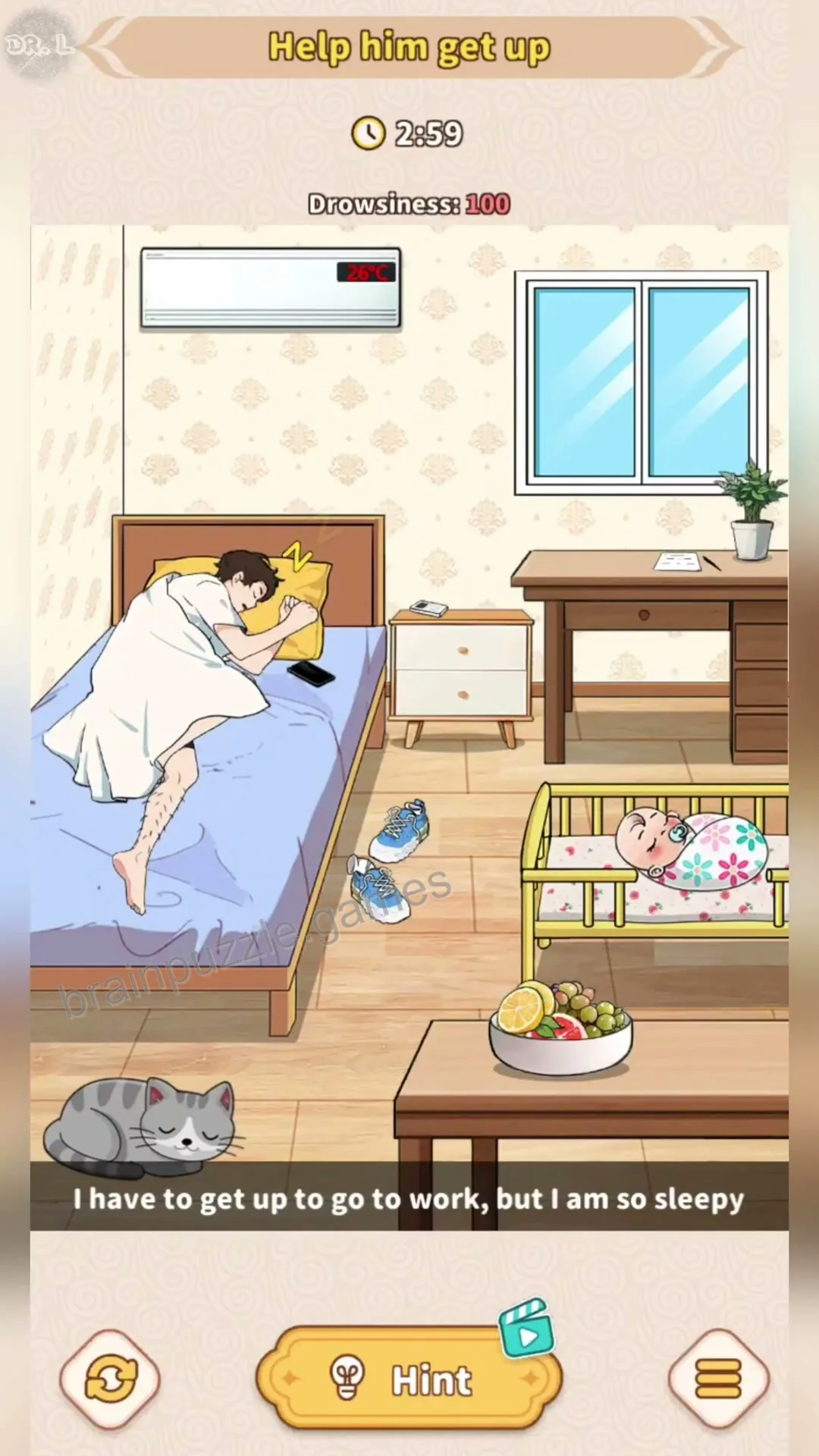
Initial scene showing a man sleeping in bed with a high drowsiness level, a cat, a baby, and various room items.
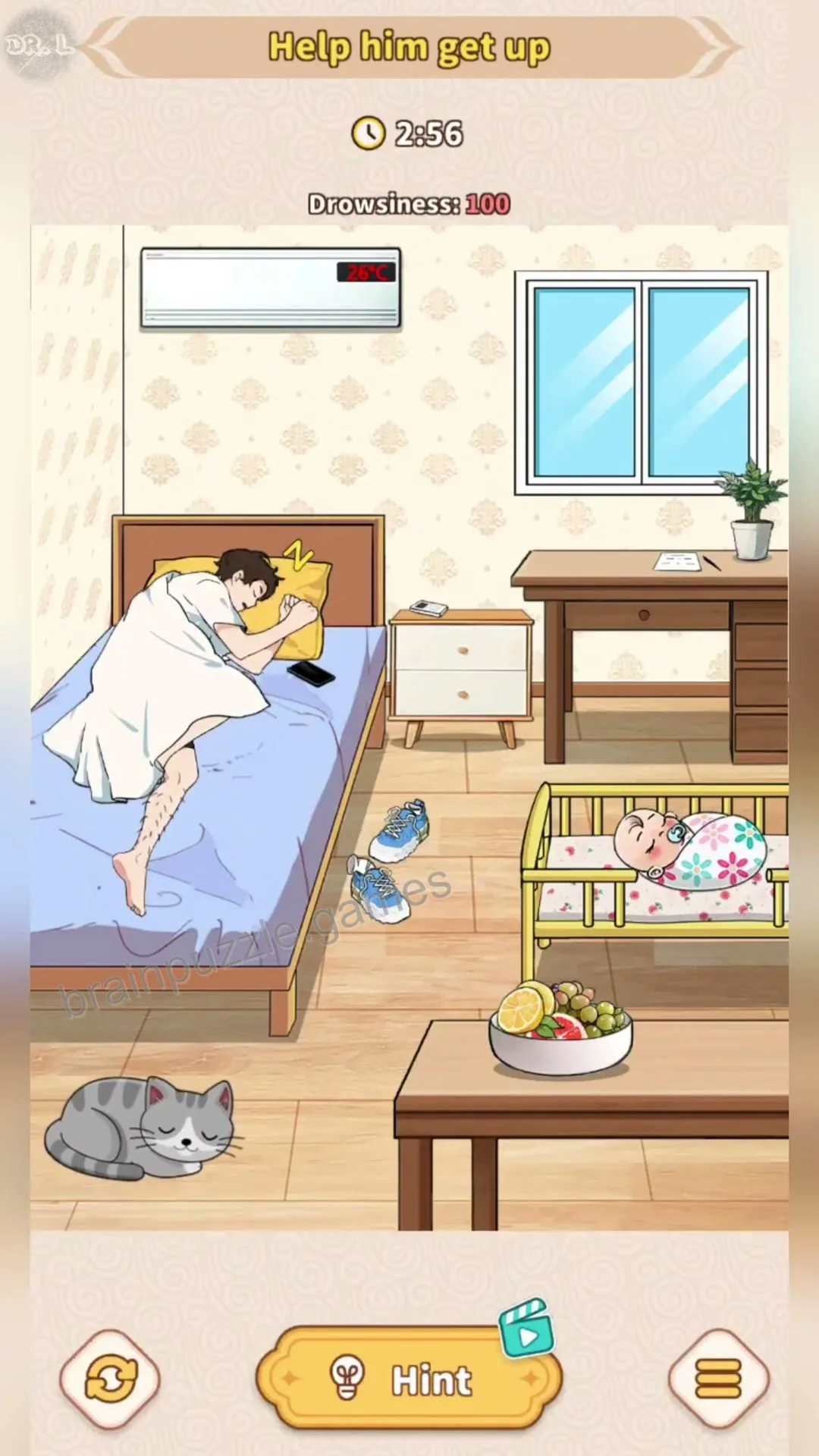
Drag the cat from the floor onto the man in the bed to startle him and reduce his drowsiness.
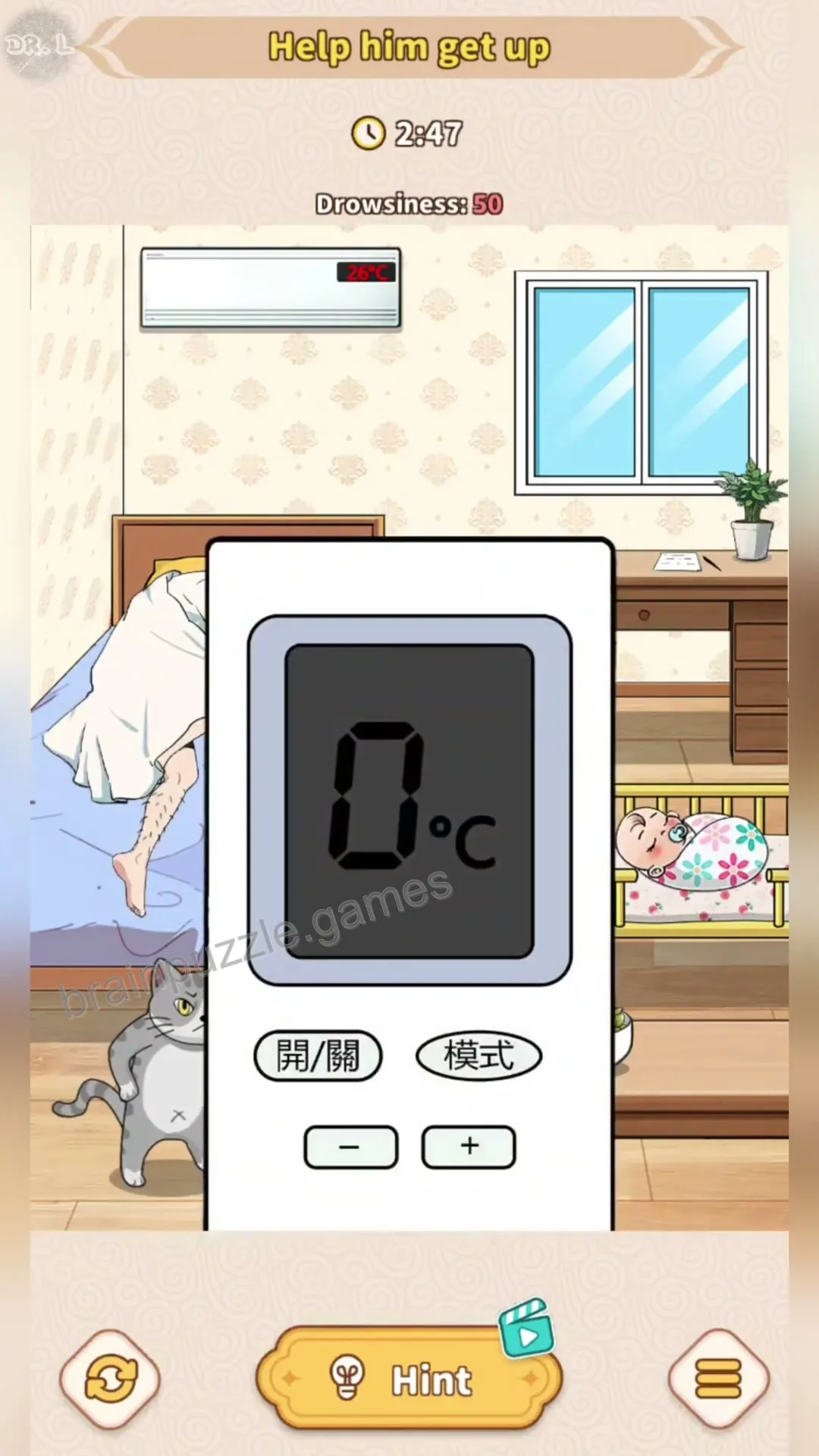
Tap the air conditioner remote control on the bedside table to open the settings menu.
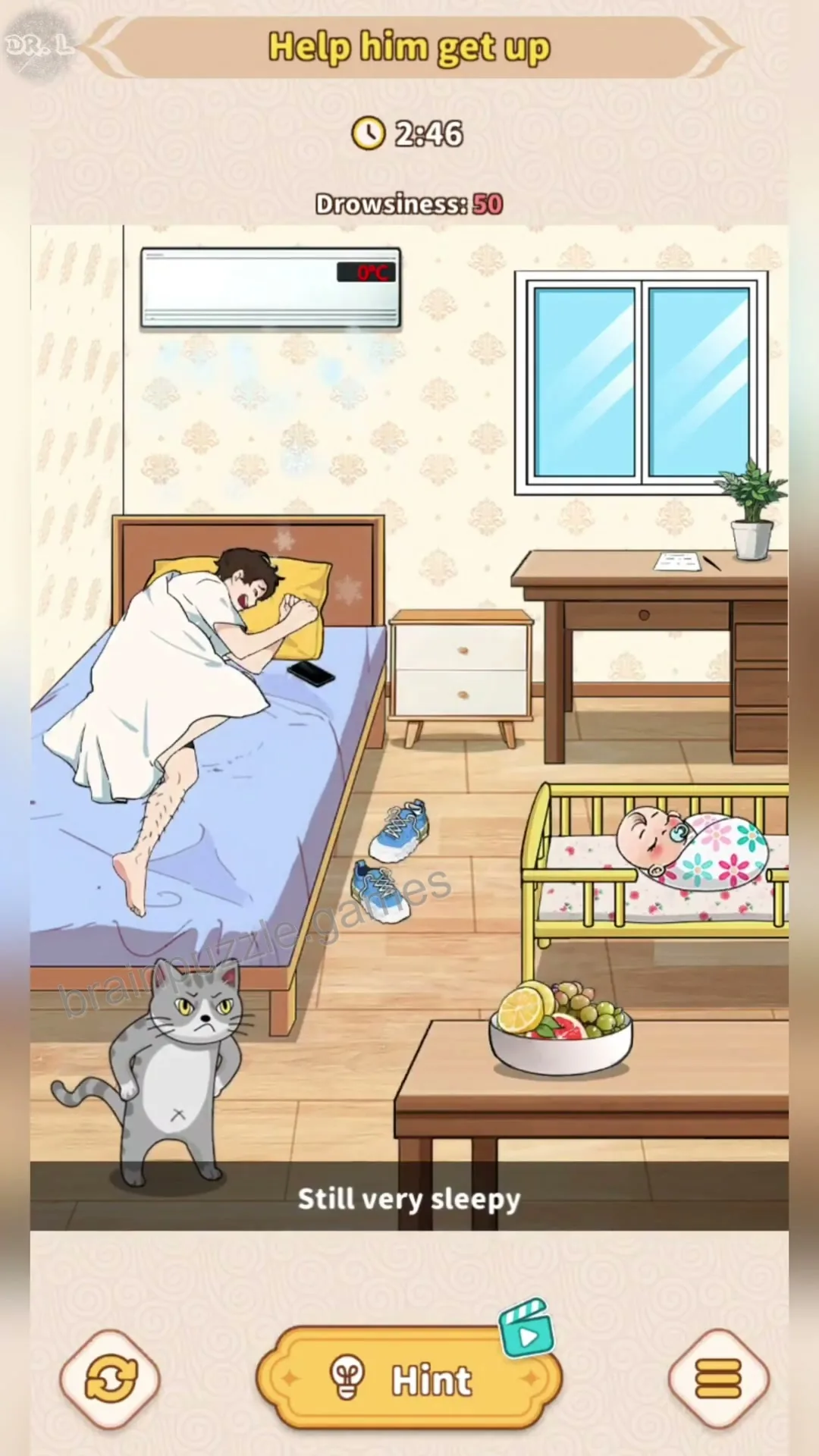
Tap the minus button on the remote control to lower the temperature and make the room less comfortable for sleeping.
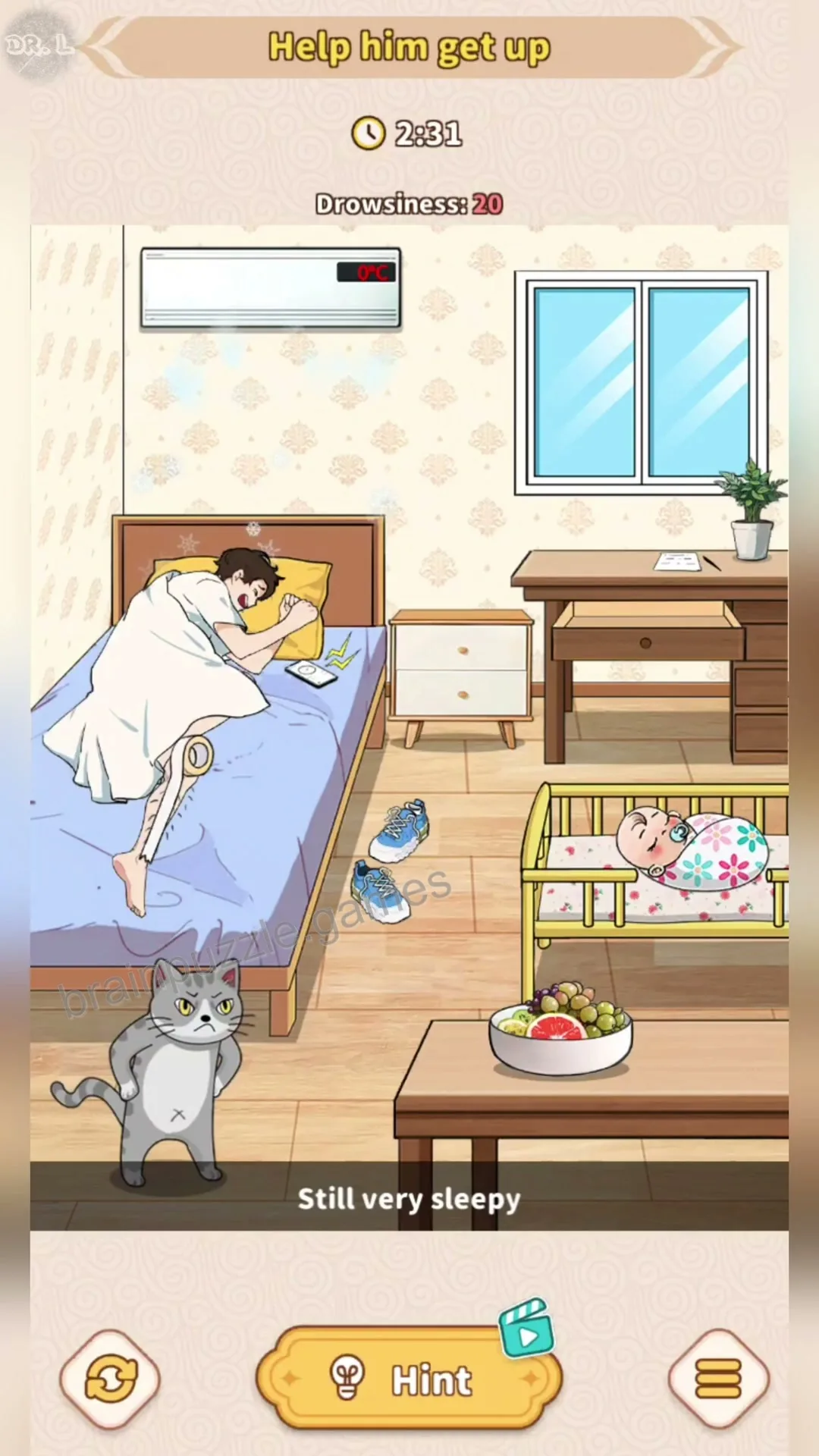
Drag the alarm clock from the bedside table to the man's head to wake him up.
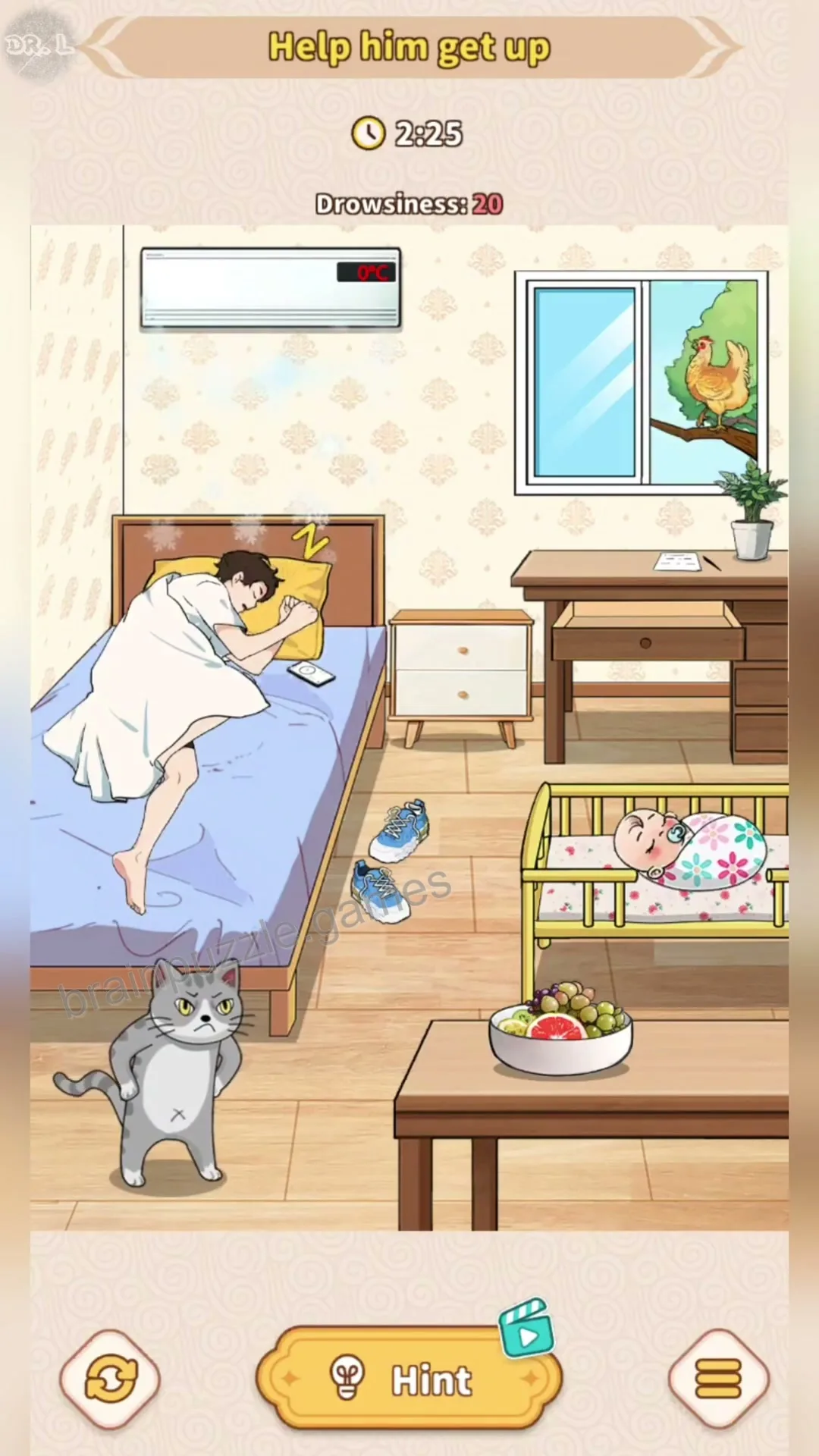
Tap the window to open it, allowing the bird to enter and make noise to further reduce the man's drowsiness.
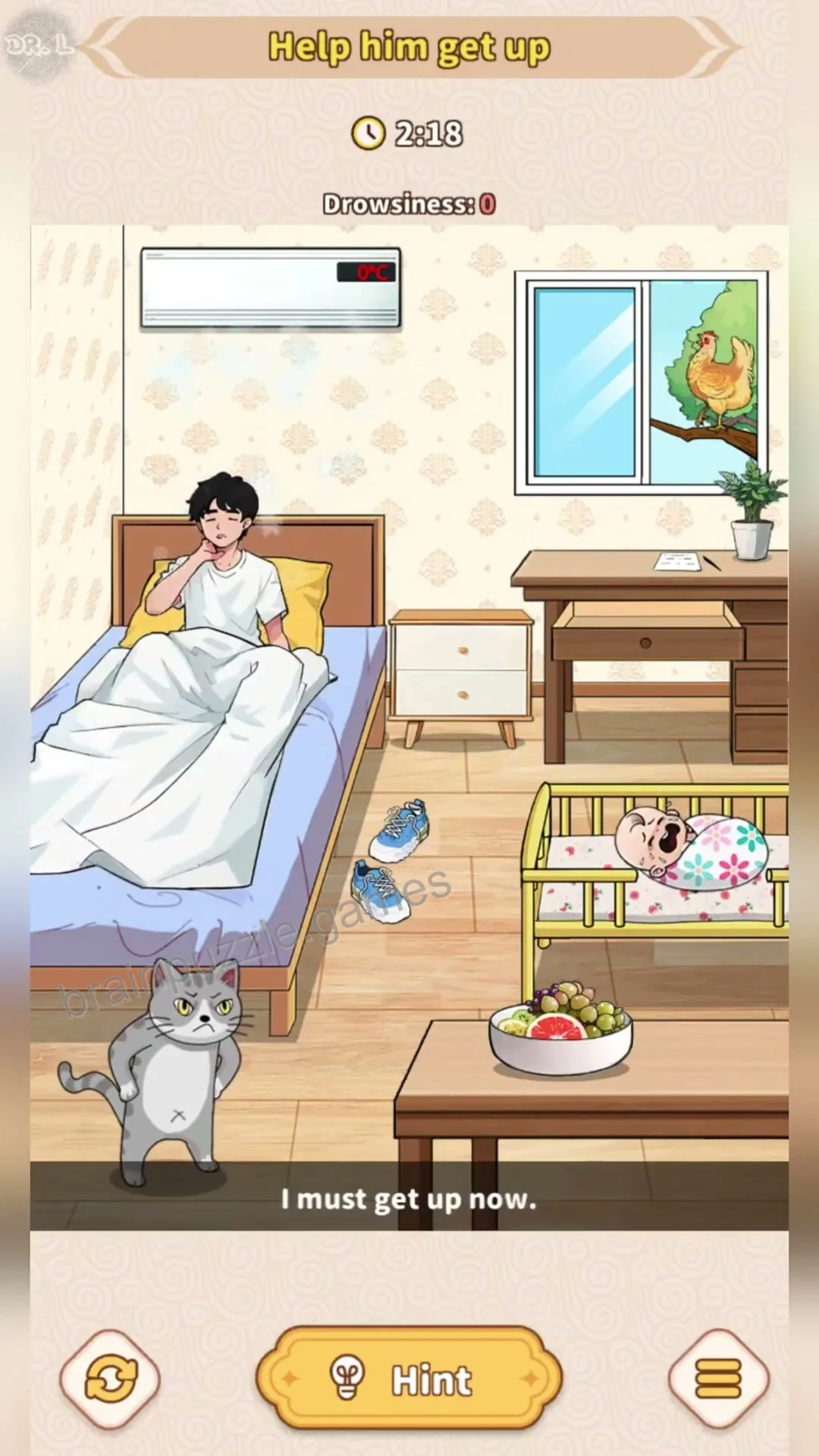
Tap the man to make him sit up and finish the level once his drowsiness reaches zero.


Comments (0)
Leave a Comment
No comments yet
Be the first to share your thoughts!